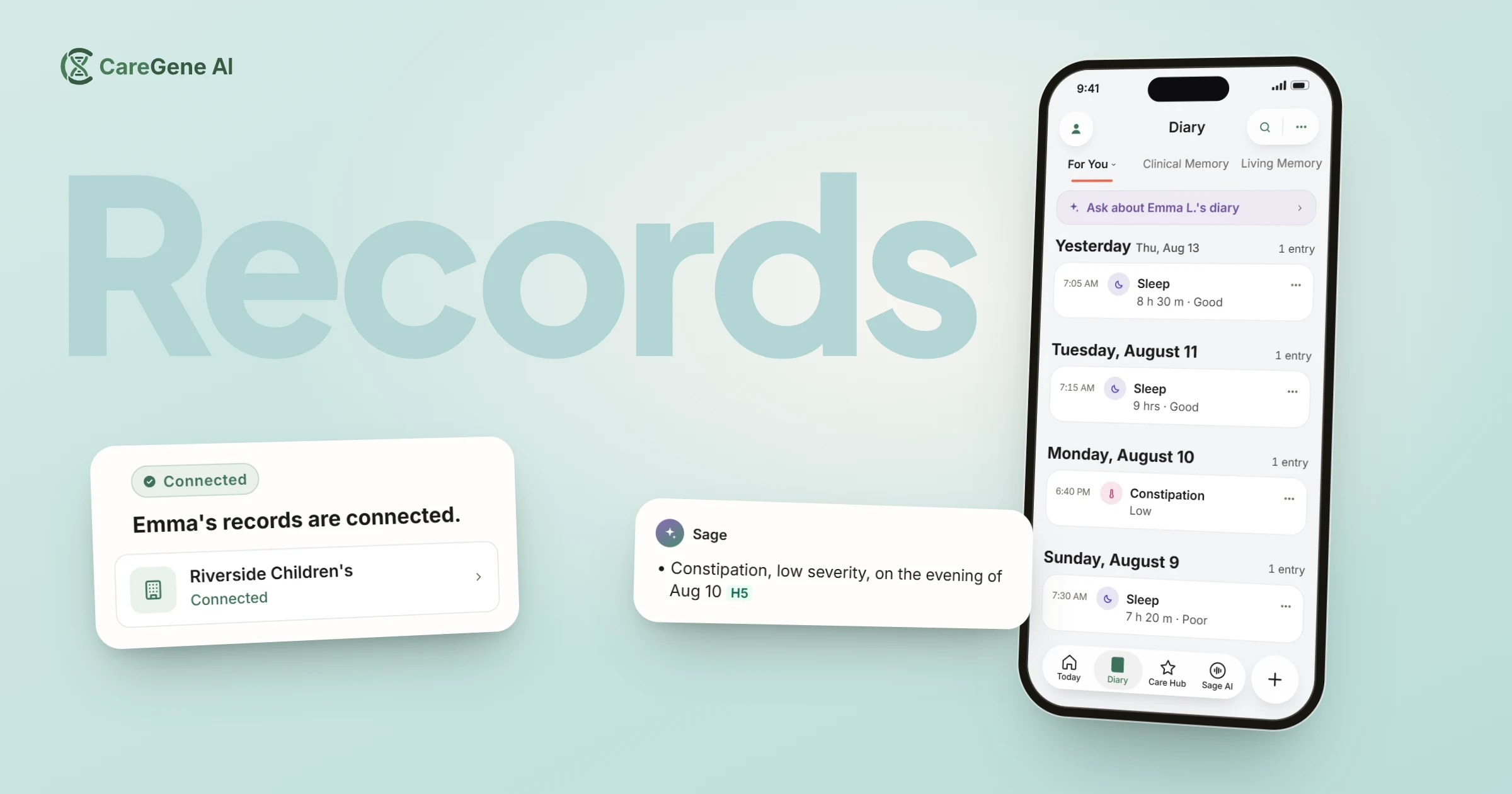

If your child has a complex medical picture, diagnosed or still unexplained, a simple way to organize their medical records is to keep everything in one place and in date order, so you can find a test result, a dosage, or a specialist note when you need it. Most families start with a physical binder. It works, until it doesn't. This guide walks through what to include, how to set up a system that holds up, and where an app can help.
Why organizing records is different when care is complex
A child with complex, unexplained or rare symptoms rarely has one doctor. They often see several. Neurology, genetics, GI, developmental pediatrics, therapists, and more, often across different hospital systems that don't share records. You become the one person who holds the whole picture: every seizure, every medication change, every lab, every “we'll watch that and revisit next time.” If you are still looking for a diagnosis, a clear, dated record of symptoms and tests lets each new specialist build on the last instead of starting over.
That's a lot to carry in your head, and doctors only get the fragments you remember to mention in a short visit. A good records system does two jobs. It gets everything out of your head and into one place, and it lets you walk into any appointment with the story ready.
What to include in your child's medical records system
Whether you use a binder, a folder system, or an app, aim to capture:
- A one-page summary. Diagnosis, or "no diagnosis yet" with the main symptoms and when they started, current medications and doses, allergies, key contacts. This is the page every new specialist wishes they had.
- Genetic testing results. The report itself, plus the specific variant if you have it, and which tests are pending or have ruled things out.
- Specialist notes and after-visit summaries. From every provider, in date order.
- Lab and imaging results. EEGs, MRIs, bloodwork, with dates.
- A medication history. What was tried, when, at what dose, and whether it helped or was stopped.
- A symptom and event log. Seizures, behaviors, sleep, feeding. The "forgotten middle" between appointments that doctors rarely see.
- Insurance and school documents. EOBs, denial letters, IEP/504 paperwork, letters of medical necessity.
Binder vs. app: an honest comparison
There's no wrong answer. The best system is the one you'll actually keep up. Here's the trade-off:
| Physical binder | An app on your phone | |
|---|---|---|
| Cost to start | A few dollars | Varies; some are free to download |
| Searchable | No, you flip pages | Often, depending on the app |
| Always with you | Only if you carry it | On your phone at every appointment |
| Capturing the day-to-day | You have to sit and write | Some let you log by voice or text |
| Sharing with a new doctor | Photocopy or hand it over | Depends on the app's sharing options |
| Works offline / no account needed | Yes | Usually not |
| Risk | Can be lost, damaged, left at home | Depends on the app's privacy practices, so check them |
Many families use a binder for years and it serves them well. Others reach a point where the paper can't keep up with the pace of a long search for answers, or a complex diagnosis, and that's usually when they move to something digital.
Step by step: set up a records system that holds up
- Gather what you already have
Request records from each provider's portal or medical-records office. - Put everything in date order
Chronology is what turns a pile of documents into a story a doctor can follow. - Write the one-page summary
Diagnosis, meds, allergies, contacts. Update it whenever something changes. - Start logging the in-between
The symptoms and events between appointments are easy to forget by the next visit. - Make it shareable
Decide how you'll hand the full picture to a new specialist without starting from scratch. - Keep it current
The system only works if updating it is easy enough that you actually do it.
How CareGene helps
CareGene is an app built for parents of children with rare and complex conditions. You log symptoms by voice or text: say it once, and CareGene files it by date in your child's Diary. You can bring in records from participating hospitals. Ask about the last few weeks, and Sage, CareGene's AI assistant, answers from your own records and shows where it found it.
CareGene is free to download on the App Store for iPhone and iPad.
Download CareGene on the App Store
Frequently asked questions
How do I organize medical records for a child with a rare disease?
Keep everything in one place and in date order: a one-page summary (diagnosis, medications, allergies, contacts), genetic and specialist results, a medication history, and a log of symptoms between visits. A binder works to start. An app keeps it with you at every appointment.
How do I organize records if my child doesn't have a diagnosis yet?
Keep a dated log of symptoms and when they started, collect every result including the normal ones, and keep a list of tests that are done, pending or have ruled things out. Put it on a one-page summary that says "no diagnosis yet", so each new specialist can build on the last visit instead of starting over.
Is a binder or an app better for a special needs child's records?
Both work, and the best system is the one you'll keep up. A binder is free and works offline but isn't searchable and only helps when you carry it. An app travels on your phone, and some let you capture day-to-day symptoms by voice, but you should check any health app's privacy practices before adding your child's records.
What should be in a child's medical summary?
A one-page summary should list the diagnosis (or note that you are still looking for one), current medications and doses, allergies, and key contacts. It's the single page every new specialist wishes they had at the start of a visit.
How do I get copies of my child's medical records?
Request them from each provider's patient portal or medical-records office.
Have a question this guide didn't answer? Contact the team.
Last updated